 Italiano IT
 English EN
 Français FR

Production tracking: how it works technically with MES software
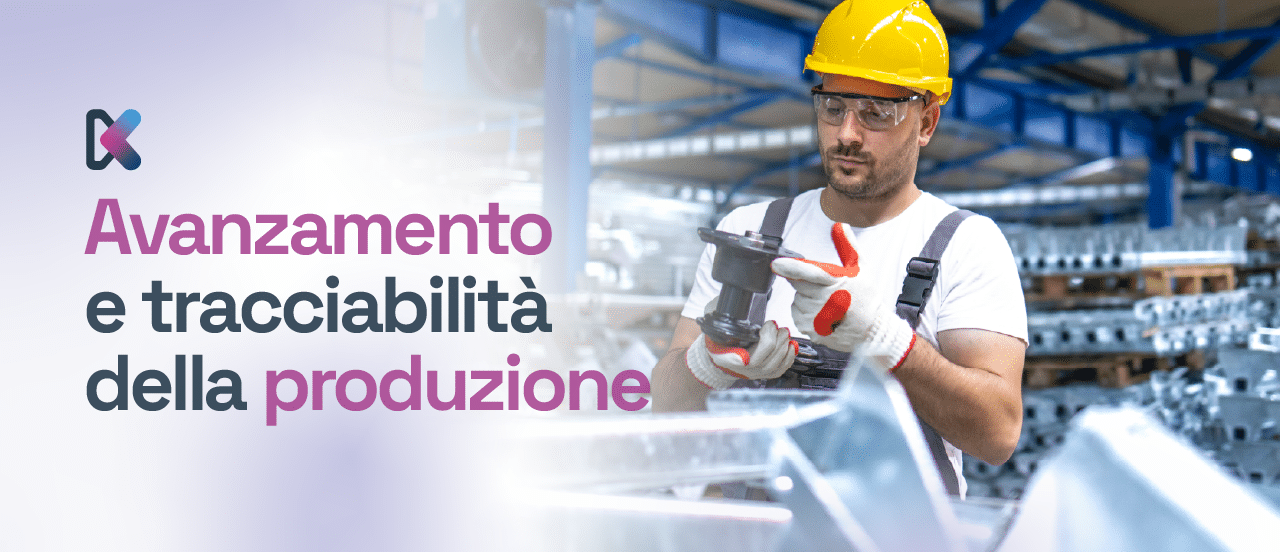
In industrial manufacturing, real-time visibility of work in progress is no longer just an option but an essential requirement. Companies that want to keep efficiency and quality high must be able to know, at any moment, where every single operation stands. Production tracking is the process of capturing and recording the operational status of a job, operation or production order. It does not simply track stages: it is an essential data infrastructure for planning, quality control and process optimisation.
Let's look in detail at how production tracking works technically with MES (Manufacturing Execution System) software and at the key elements for implementing it properly on the factory floor.
Technical structure of a production tracking system
In a typical setup, production tracking is managed by MES software integrated with the ERP system and the shop-floor machines. The software interfaces with production master data (routings, bills of materials, work centres, resources) and generates production orders with sequential operations to be carried out.
Each operation is linked to:
- an identification code
- a machine/work centre
- a human resource
- a quantity to produce
- standard times (set-up, processing, tooling)
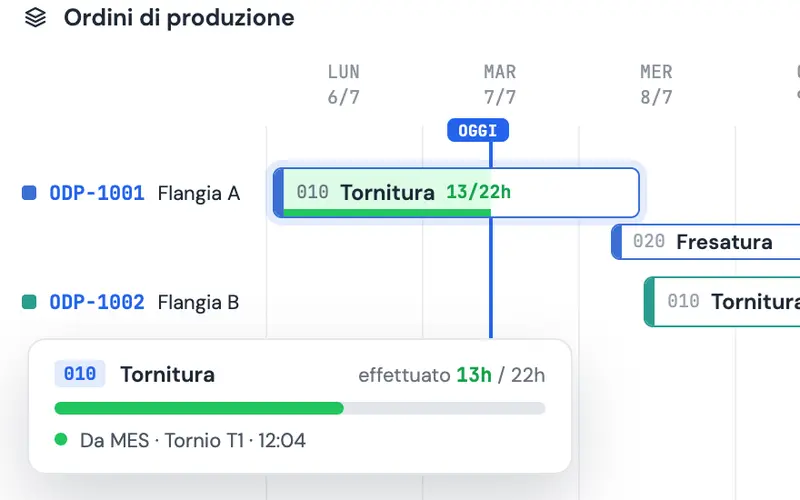
Progress is recorded when the operator or the machine reports a change of status to the MES: for example, job start, pause, completion, scrap or machine stoppage.
Operational tracking flow in MES software
-
Scheduling and releasing orders
Production orders are created from the production plan (generated by MRP or APS) and sent to the shop floor through the MES. Each production order contains the operations to be carried out, the assigned work centres and the planned quantities.
-
Starting work
When the operator starts the job, they log in at the MES workstation, select the production order and start the operation. The software records the date, time and work centre. In automated environments this step can be triggered by a machine event (e.g. cycle start).
-
Real-time monitoring
While the job is running, the system updates the status of the production order in real time. Dashboards show the quantity produced, percentage completion, actual times, active resources and any scrap. Anomalies such as machine stoppages and delays can trigger automatic alerts.
-
Completing the operation
At the end of the job, the operator records completion, entering the good quantity and the scrap (with reason code), and confirms the operation. In automatic production this data is captured directly from the machine counters.
-
Reporting to the ERP
The MES sends the actuals to the ERP system: quantities produced, time taken, materials consumed. This feeds cost accounting, the warehouse and management control systems.
KPIs to capture with production tracking
A well-designed system collects key data, including:
- Actual production time per operation and per production order
- Efficiency per resource/machine (OEE)
- Mean time between failures and stoppages (MTBF)
- Scrap percentage per stage
- Order status (completed, in progress, late)
This data, processed by the MES or a Business Intelligence module, enables in-depth productivity analysis and supports continuous improvement strategies.
Production tracking: the Logikamente solution
A critical aspect of implementing production tracking is the consistency between the theoretical model (routings, standard times) and operational reality.
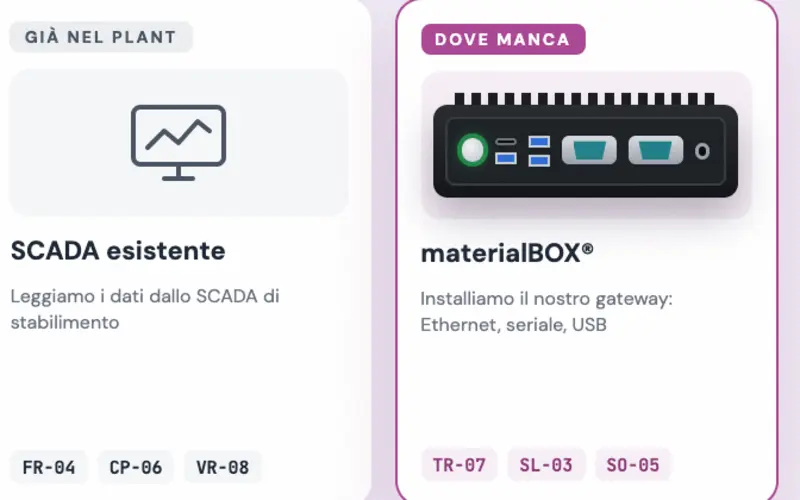
Logikamente's MES software provides precise production tracking through integration with machines, operators and ERP systems. It tracks every stage of the production process in real time, improving efficiency, traceability and quality.

He is often the first person you meet when you get in touch with us. His job is to listen: to understand how the company works, where time is lost, and what the people on the shop floor and in the office need. From there he helps choose the digital tools that fit the process, without adding anything that isn't needed.